{success} This Feature only available in Webworks Co FullyLoaded
On-Sale Timer (FullyLoaded)
The On-Sale Timer in Webworks Co FullyLoaded lets you schedule ticket sales, create countdowns, and drive urgency—helping you maximize early sales and attendee engagement.
- Scheduled Ticket Sales:
- Set start and end times for ticket availability
- Automate ticket release for high-demand events
- Countdown Timers:
- Display real-time countdowns on event pages
- Build anticipation and urgency for ticket buyers
- Flexible Configuration:
- Apply timers to specific ticket types or events
- Combine with promo codes and marketing campaigns
- Use Cases:
- Early bird and flash sales
- Limited-time offers for VIP or group tickets
- Launching tickets for high-profile events

How to Set Tickets On Sale (Limited Time Offer)
- Go to Event Edit Page -> Tickets tab.
- Enter the Sale Start Date, Sale End Date, and Sale Price, then click Save.
- To remove a ticket from sale, simply clear the Sale Start Date, Sale End Date, and Sale Price fields.
You can put any ticket on sale using these steps, creating multiple limited time offers for your events.

How Attendees Purchase Tickets On Sale
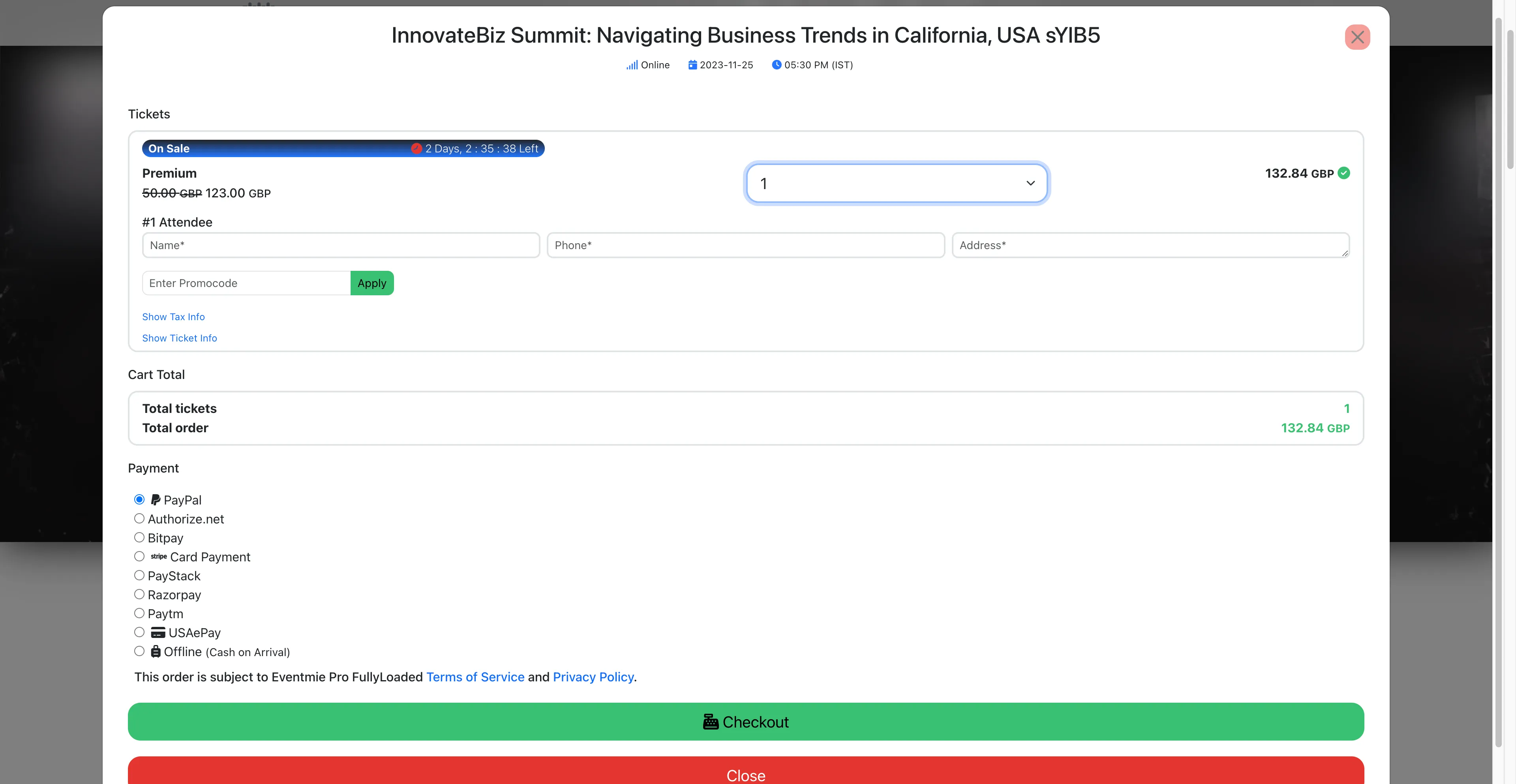
After setting tickets on sale, the sale timer and discounted price will be visible on:
-
Event listing page
-
Homepage
.webp "2-see-sale-timer-listing")
-
Event page

-
Checkout popup